Start with the goal.
Learn which details should never be shared through unexpected texts, emails, calls, or links.
Learning objectives
Name information scammers commonly request.
Explain why verification codes should be protected.
Use a private-information rule before responding.
Private information is often the real target
Some scams are not trying to steal money immediately. First, they try to collect information that helps them access an account or impersonate the victim. Verification codes, passwords, card numbers, and remote access can all be used to take over accounts or move money.
Real-world examples
Verification code
Safer move: Do not share verification codes with unexpected callers or messages.
Prize fee
Safer move: Prizes that require payment are suspicious.
Gift card request
Safer move: Gift cards are for gifts, not payments.
Remote access
Safer move: Do not give remote access to an unexpected caller.
Practice scenarios
The code request
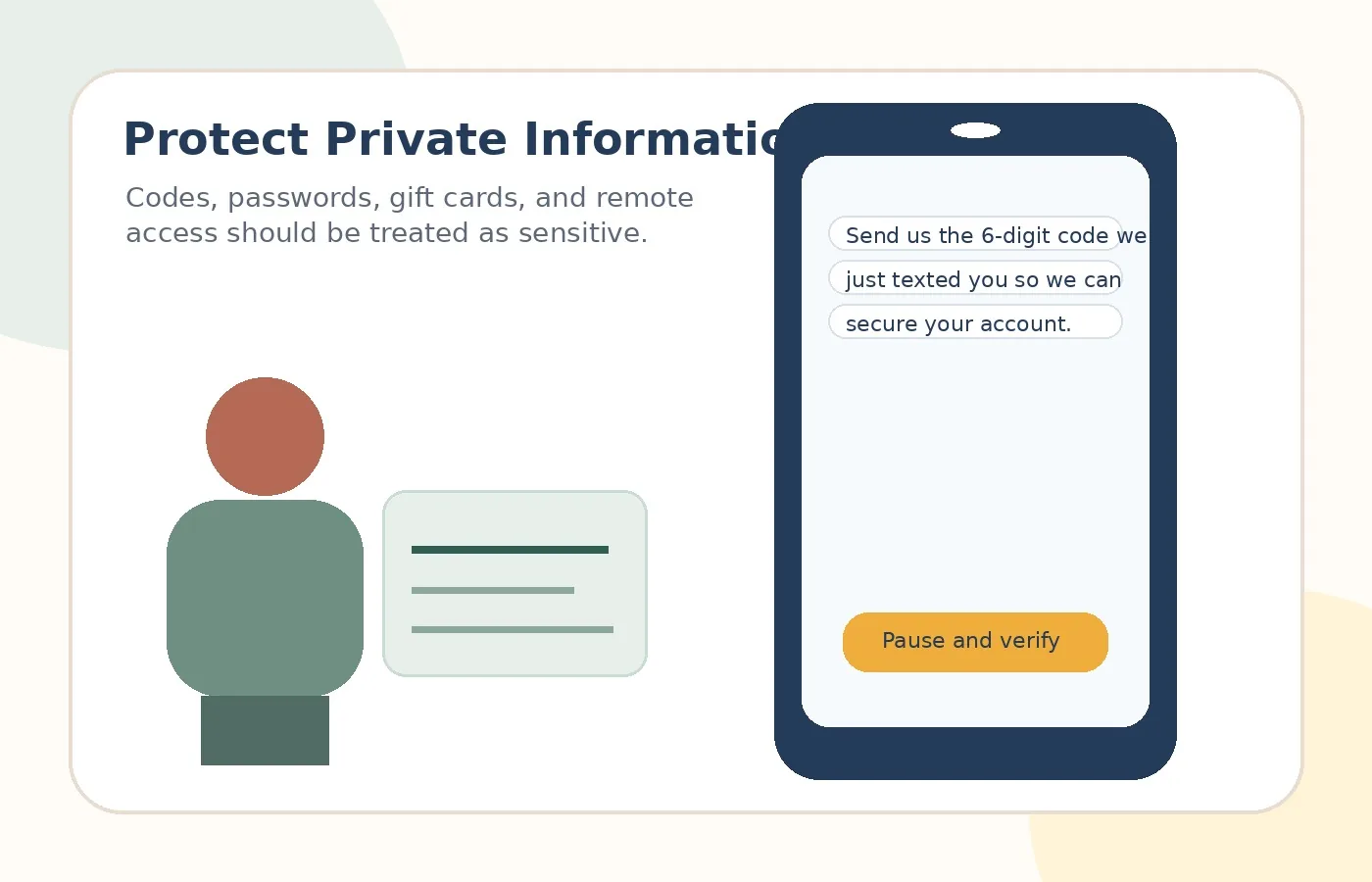
A caller says they are from tech support and asks for a six-digit code.
Safer move: Hang up. Do not share the code. Contact the company through the official website or app.
The gift card emergency
Someone says a bill, prize, refund, or emergency must be handled with gift cards.
Safer move: Stop. Gift cards are not for official payments.
The remote support call
A caller says they need to connect to the computer to remove a virus.
Safer move: Do not install software or give remote access.
Risky vs. safer choice
Risky reaction
React inside the message because it feels urgent, official, or emotional.
Safer reaction
Pause, leave the message, and verify through an official app, website, statement, card, or known phone number.