Start with the goal.
Learn calm next steps to reduce risk if you clicked something suspicious.
Learning objectives
Respond calmly after a suspicious click.
Know when to change passwords or contact a bank.
Use official support channels during recovery.
A suspicious click is not always the same level of danger
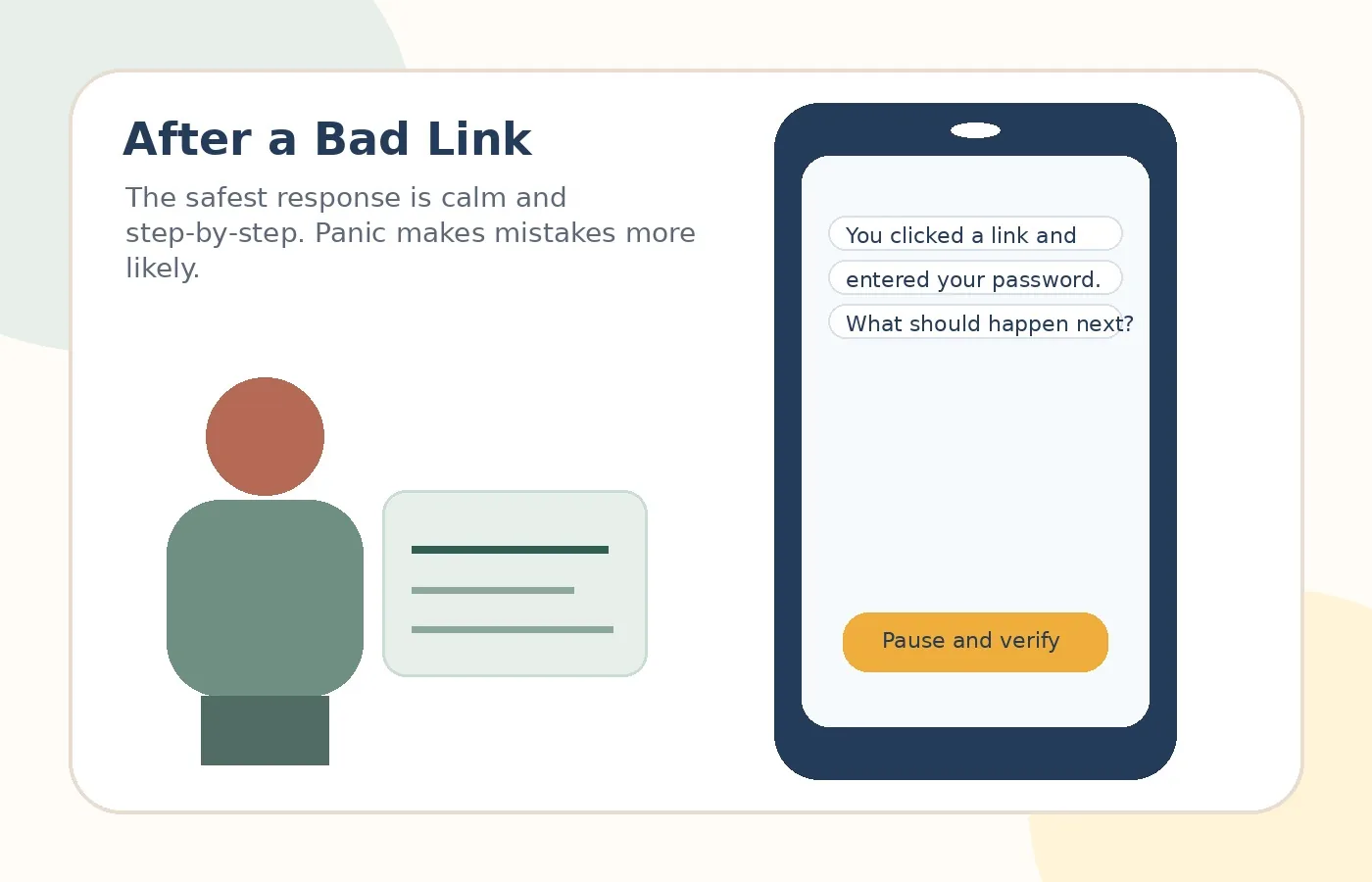
The next step depends on what happened. Clicking a link and closing it is different from entering a password, sharing a card number, installing software, or giving remote access. The key is to stop interacting with the suspicious page and then secure the account or payment method involved.
Real-world examples
Clicked but entered nothing
Safer move: Close the page. Do not enter information.
Entered a password
Subject: Account recovery
Safer move: Open the real site and change the password.
Entered card information
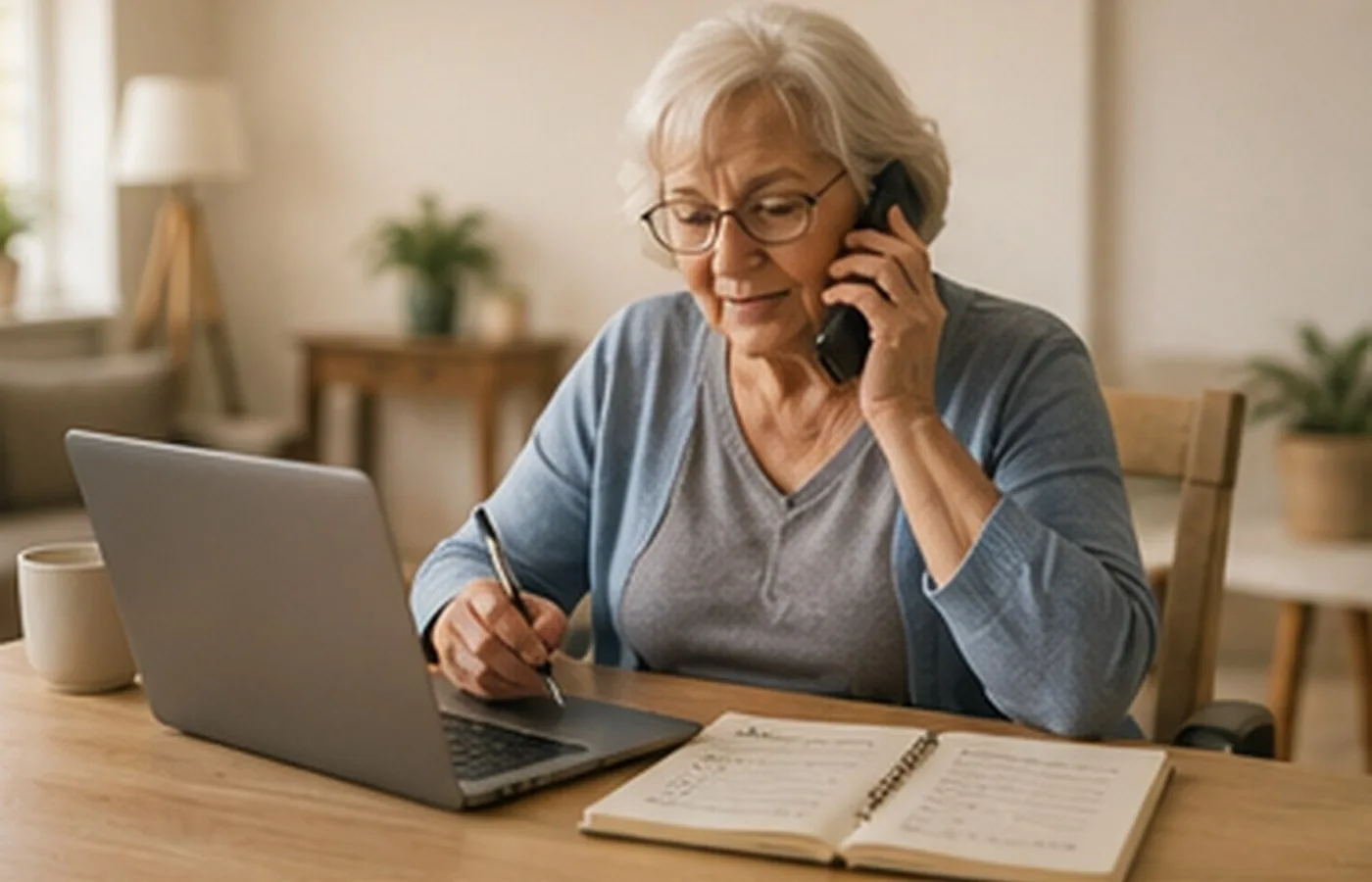
Safer move: Call the card provider using the number on the card.
Installed remote tool
Safer move: Disconnect and seek trusted help.
Practice scenarios
Only clicked
The page opened, but no information was entered.
Safer move: Close the page and avoid downloads.
Entered a password
A password was typed into a suspicious page.
Safer move: Change the password from the official site. Change reused passwords too.
Entered payment details
Card or bank details were submitted.
Safer move: Contact the bank or card provider through a known number.
Risky vs. safer choice
Risky reaction
React inside the message because it feels urgent, official, or emotional.
Safer reaction
Pause, leave the message, and verify through an official app, website, statement, card, or known phone number.