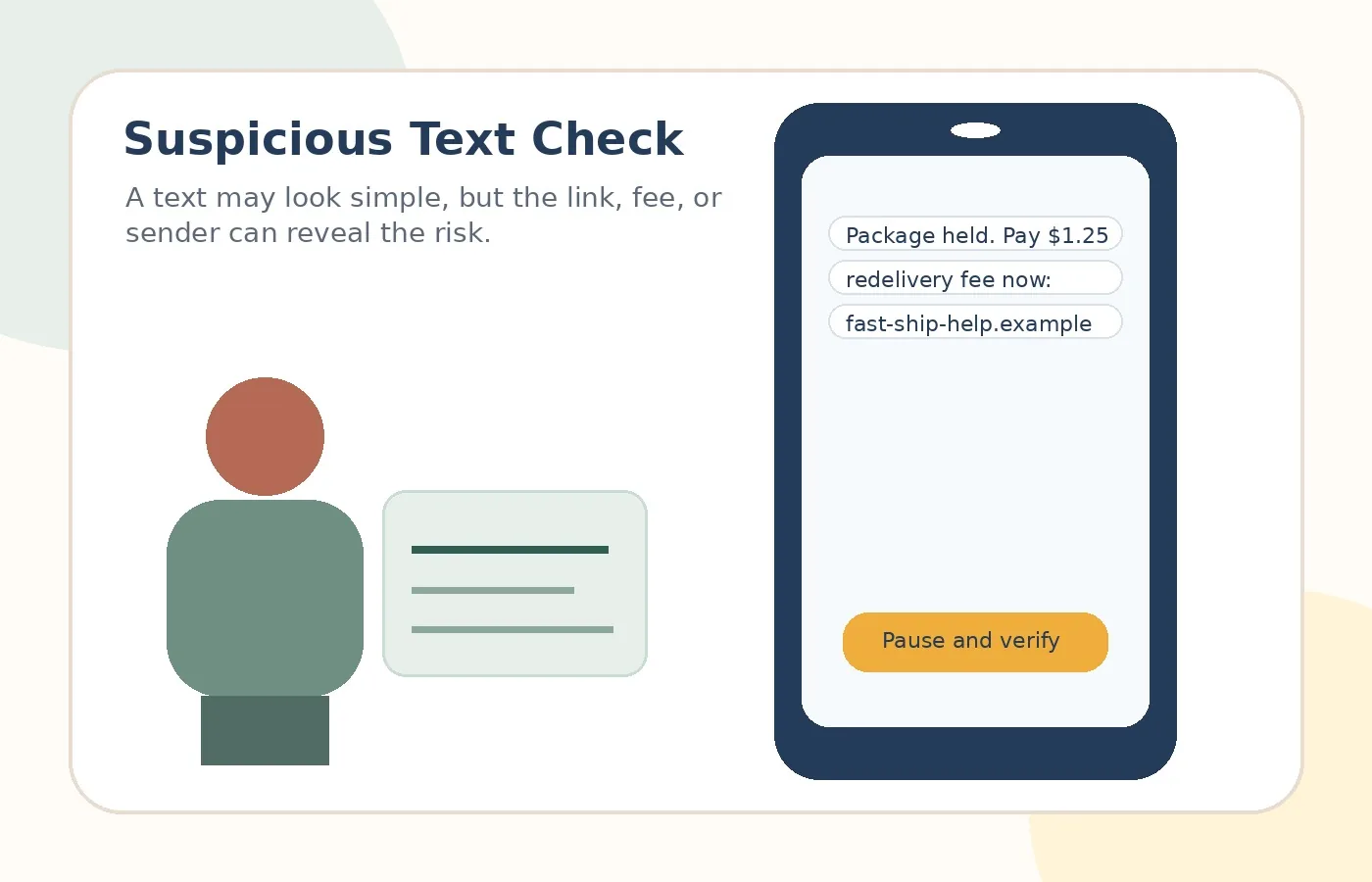
Start with the goal.
Use a simple checklist before tapping links in text messages.
Learning objectives
Check sender, link, payment, and urgency clues.
Recognize delivery, toll, banking, and family-emergency text patterns.
Use safer verification steps instead of tapping links.
The four-part text check
Scam texts are often short because they are designed for quick action. A safer habit is to check four things: who sent it, what link it uses, whether it asks for money or private information, and whether it creates pressure.
Some phones may offer a Report Junk option. Many carriers also support forwarding spam texts to 7726, which spells SPAM.
Real-world examples
Delivery fee text
Safer move: Do not tap. Delivery scams often use fake tracking links.
Toll balance text
Safer move: Visit the official toll agency website yourself.
Grandchild text
Safer move: Call the grandchild’s known number or another family member.
Bank alert text
Safer move: Open the bank app or call the number on your card.
Practice scenarios
The small fee
A small fee feels harmless, but the page may collect full card details, name, address, phone number, and more.
Safer move: Ignore the link and check directly.
The new number trick
A scammer pretends to be a family member with a new phone number and urgent money problem.
Safer move: Do not send money. Verify with a known number.
The toll threat
A message says late fees or driving trouble will happen if payment is not made today.
Safer move: Go to the official toll site by typing the address yourself.
Risky vs. safer choice
Risky reaction
React inside the message because it feels urgent, official, or emotional.
Safer reaction
Pause, leave the message, and verify through an official app, website, statement, card, or known phone number.